


HOW TO START
Follow these steps to correctly configure and run the BOS Bot on your machine.
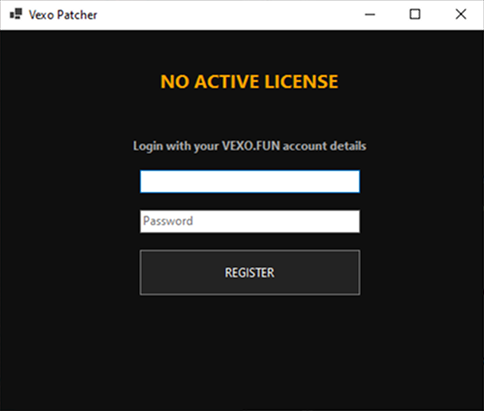
First, download the latest version of our Patcher using the button on the main page. Extract all files to a single folder on your desktop. Then run the Patcher and enter the credentials from the Vexobm website into the Patcher window.
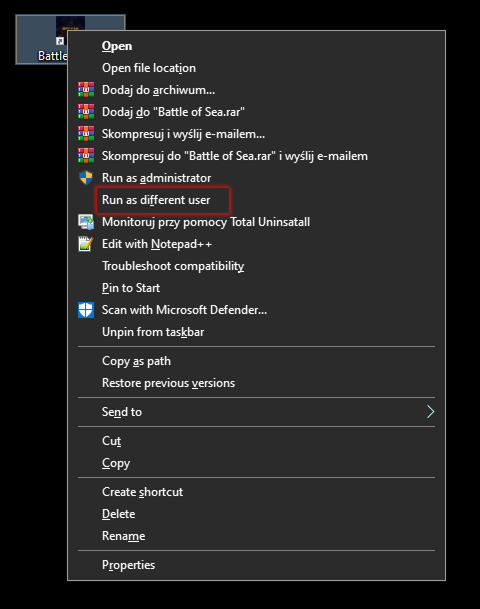
Make sure you have added another user account in Windows 10/11. [How to add another user?] If you already have one, hold the left Shift key, right-click on the Battle of Sea application, select “Run as different user” and enter the login and password you used when creating that other user account.
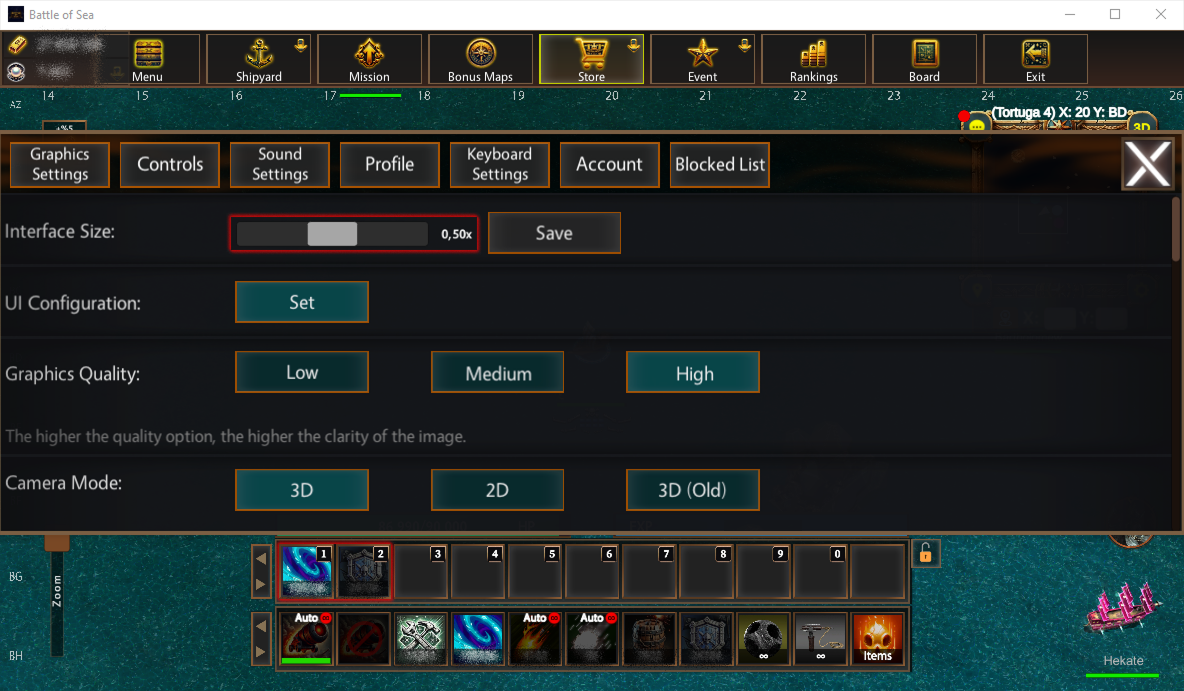
You need to make sure the interface scale is set to 0.50, that the speed effect is assigned to button 1, and shields are assigned to button 2. Also make sure the repair key is set to the R key.
Good luck!
- Happy botting
- Support available on Discord